
Connect and authorize
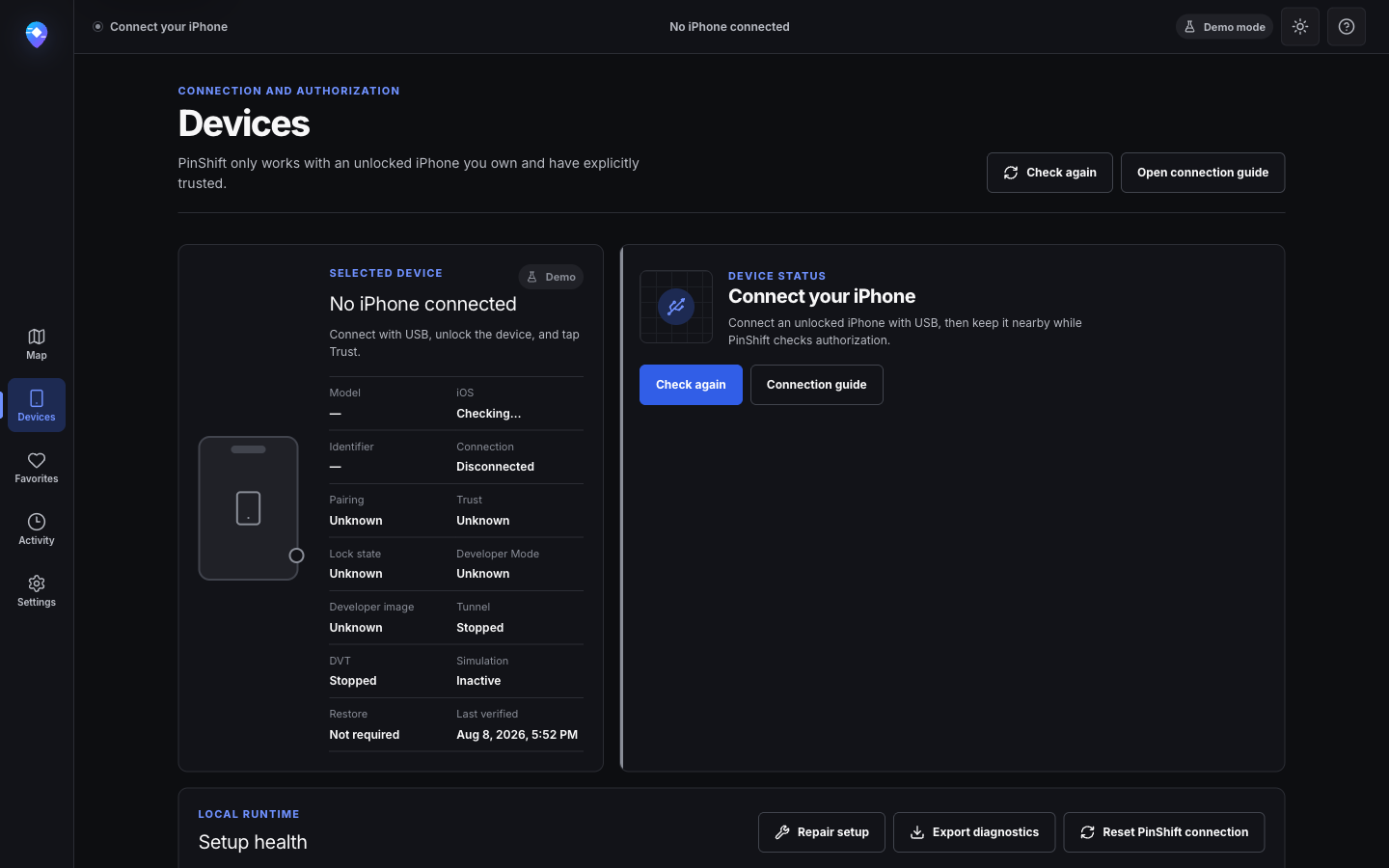
Plug in your own or authorized iPhone, unlock it, accept Trust, and enable Developer Mode if iOS asks.
Built for iOS product teams
Location simulation for iOS development, testing and demos. Connect your own or authorized iPhone by USB, choose a place or route, and keep control on your Mac.
Local-first USB controlled Authorized devices only
How it works
PinShift uses Apple's developer-location services on an unlocked, trusted iPhone. It does not bypass device security, Apple restrictions, or Developer Mode requirements.
Plug in your own or authorized iPhone, unlock it, accept Trust, and enable Developer Mode if iOS asks.
Search a place, paste coordinates, define a precision radius, or build a multi-stop street route.
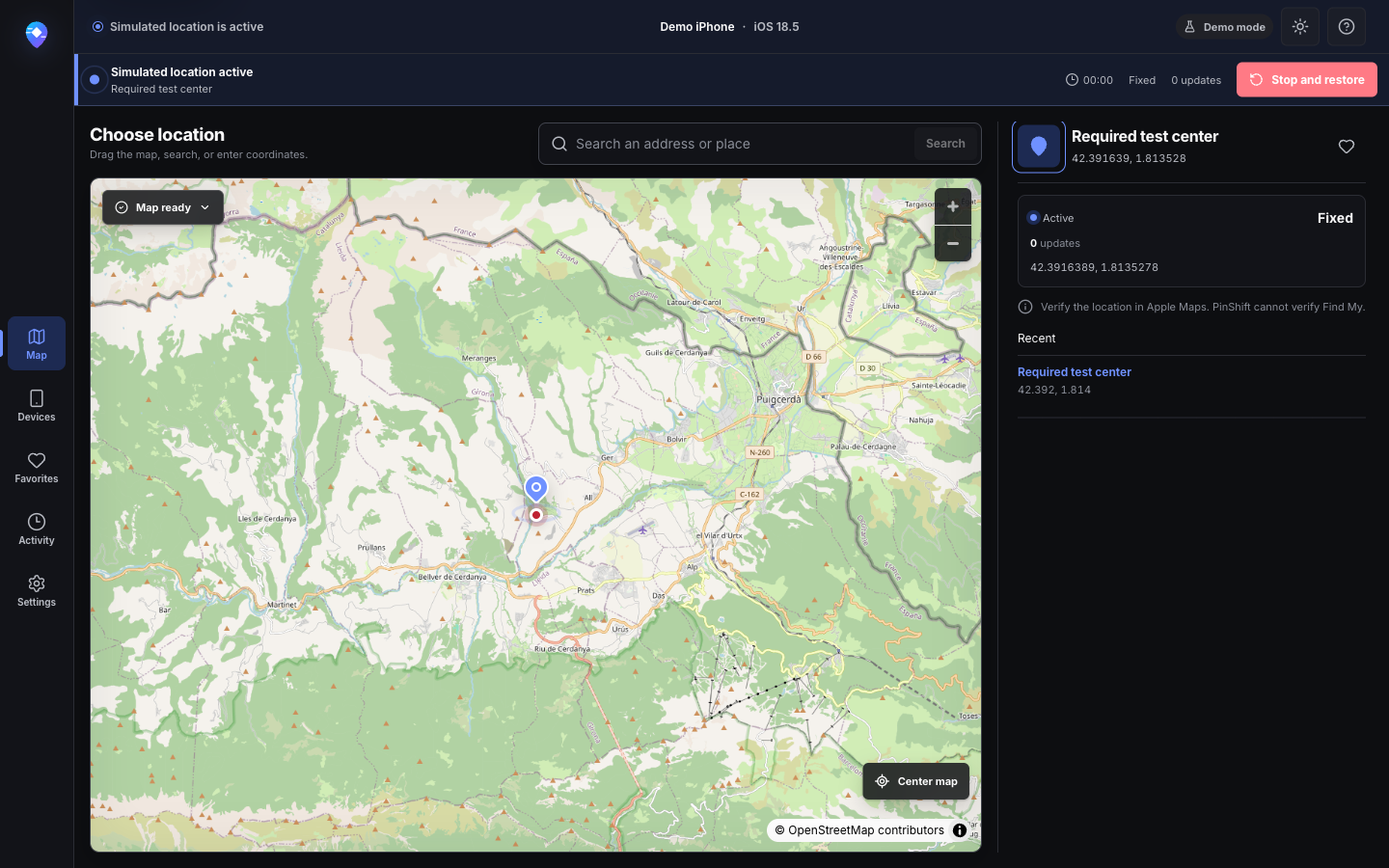
Run your app or demo, verify the behavior you control, then stop and restore the real location before disconnecting.
Appropriate use cases
Use one tool for location-sensitive development, repeatable QA, regional review, and clear product demonstrations on devices you are allowed to test.
Exercise nearby content, entry and exit logic, permissions, and fallback behavior without rebuilding your physical environment.
Review localization, availability, coordinate precision, empty states, and location-dependent content from one repeatable test setup.
Prepare consented demonstrations, product screenshots, and recordings without walking through every route during the session.
Simulate short loops or street-following walking, cycling, and driving paths with configurable pace and dwell time.
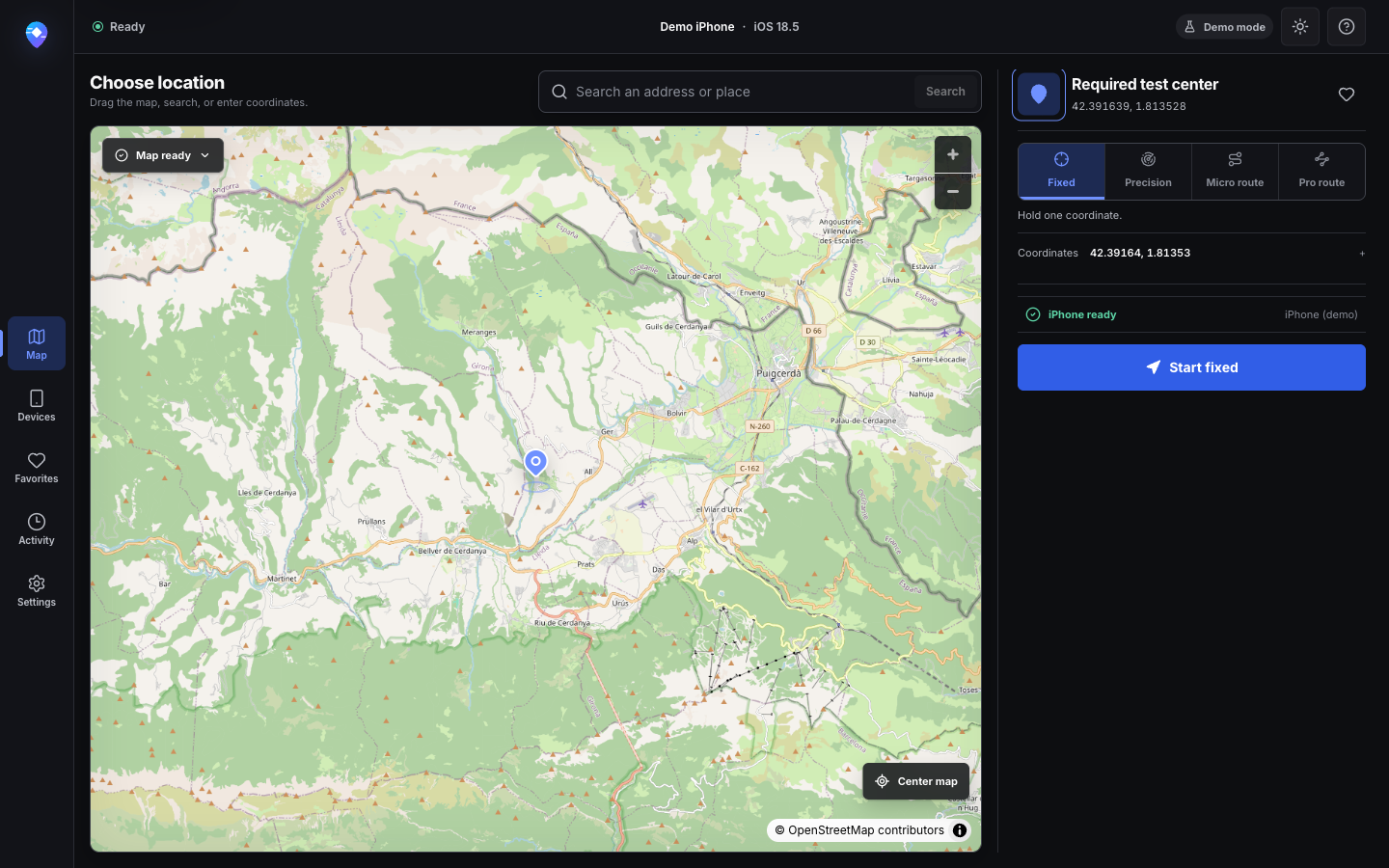
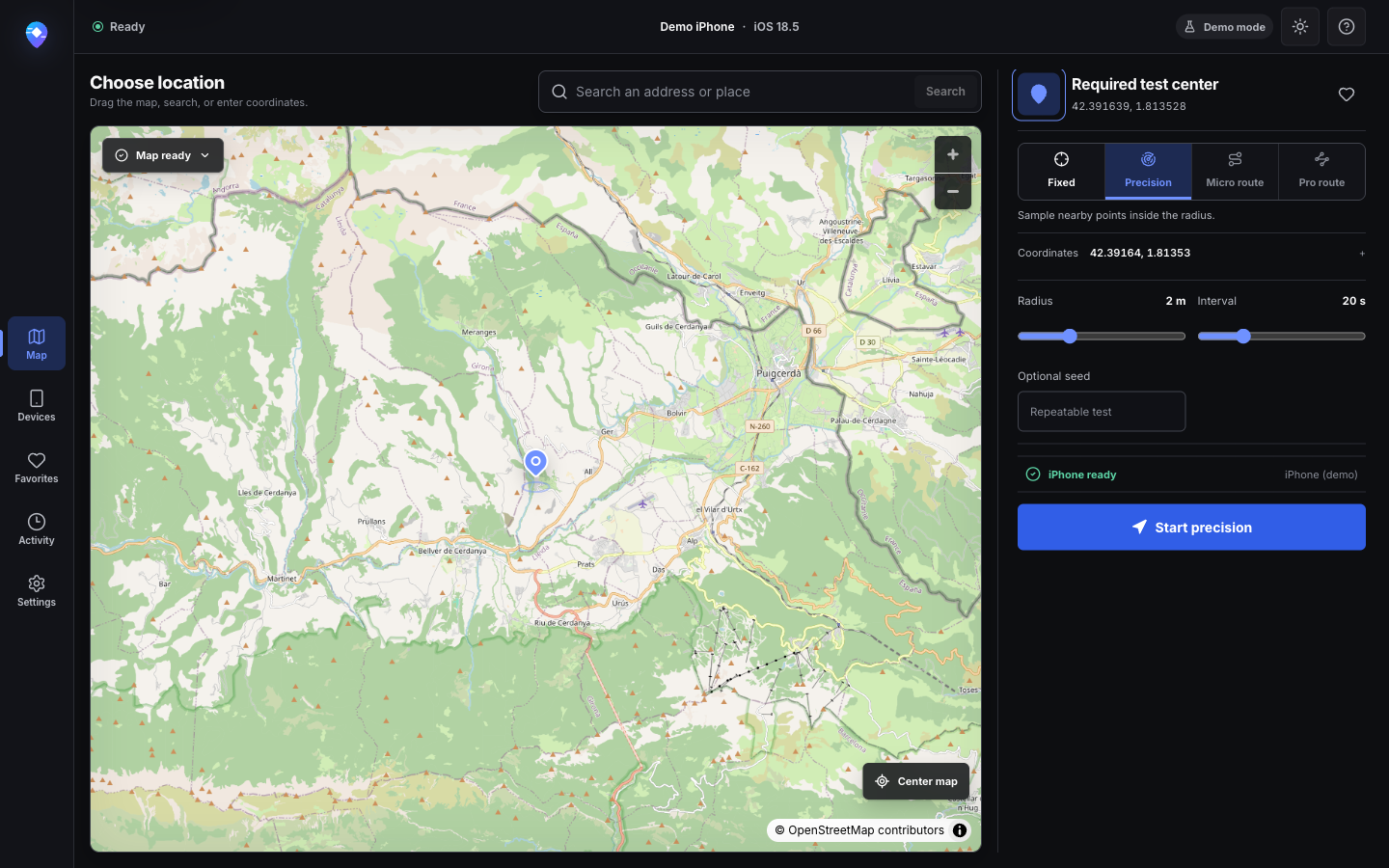
Choose a point from the map, address search, pasted coordinates, favorites, or recents. Fixed mode keeps that coordinate active while you inspect the experience on your iPhone.
Sample controlled nearby points inside a configurable radius. Precision mode helps expose geofence boundaries, rounding behavior, coordinate jitter assumptions, and overly brittle proximity logic.
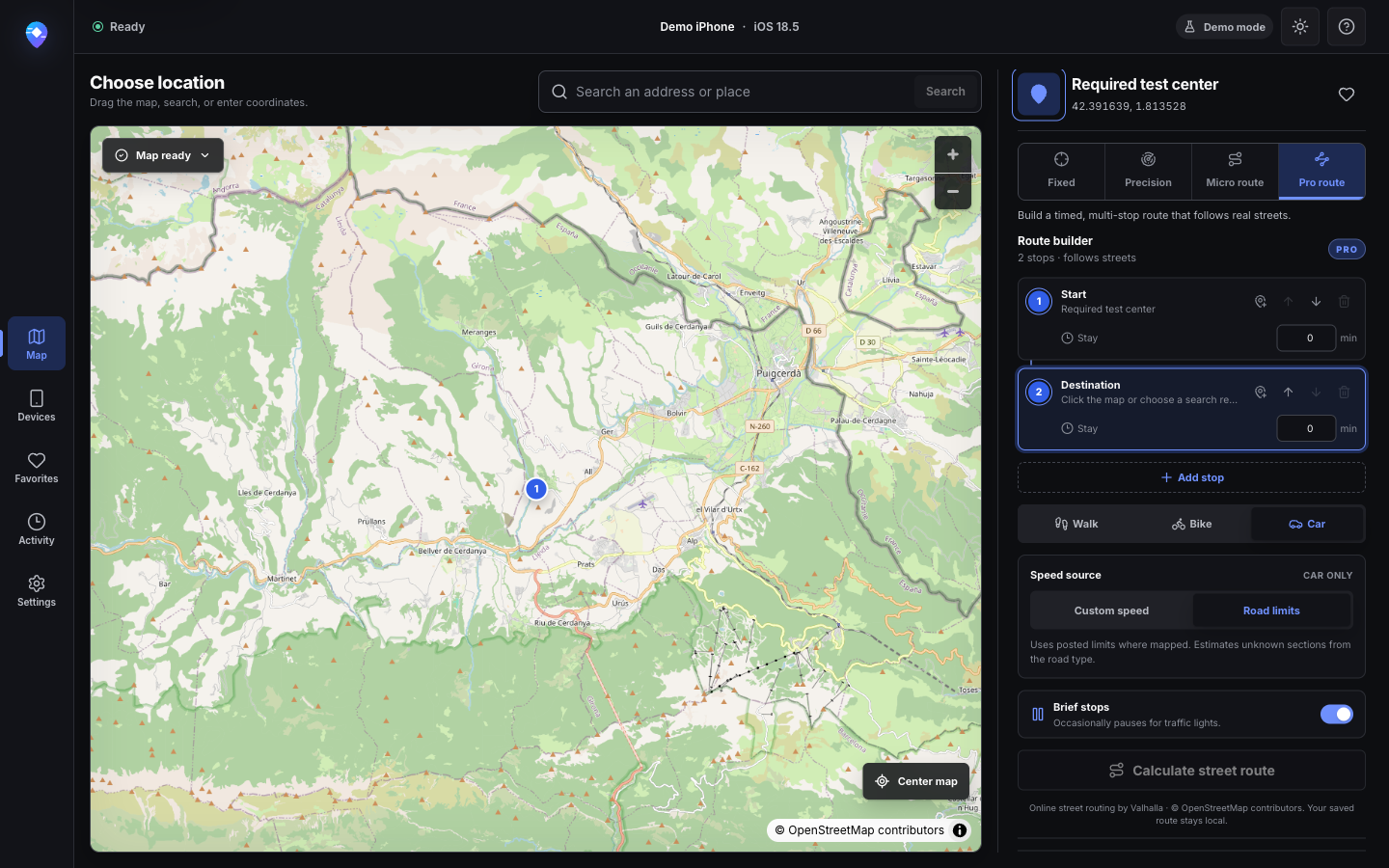
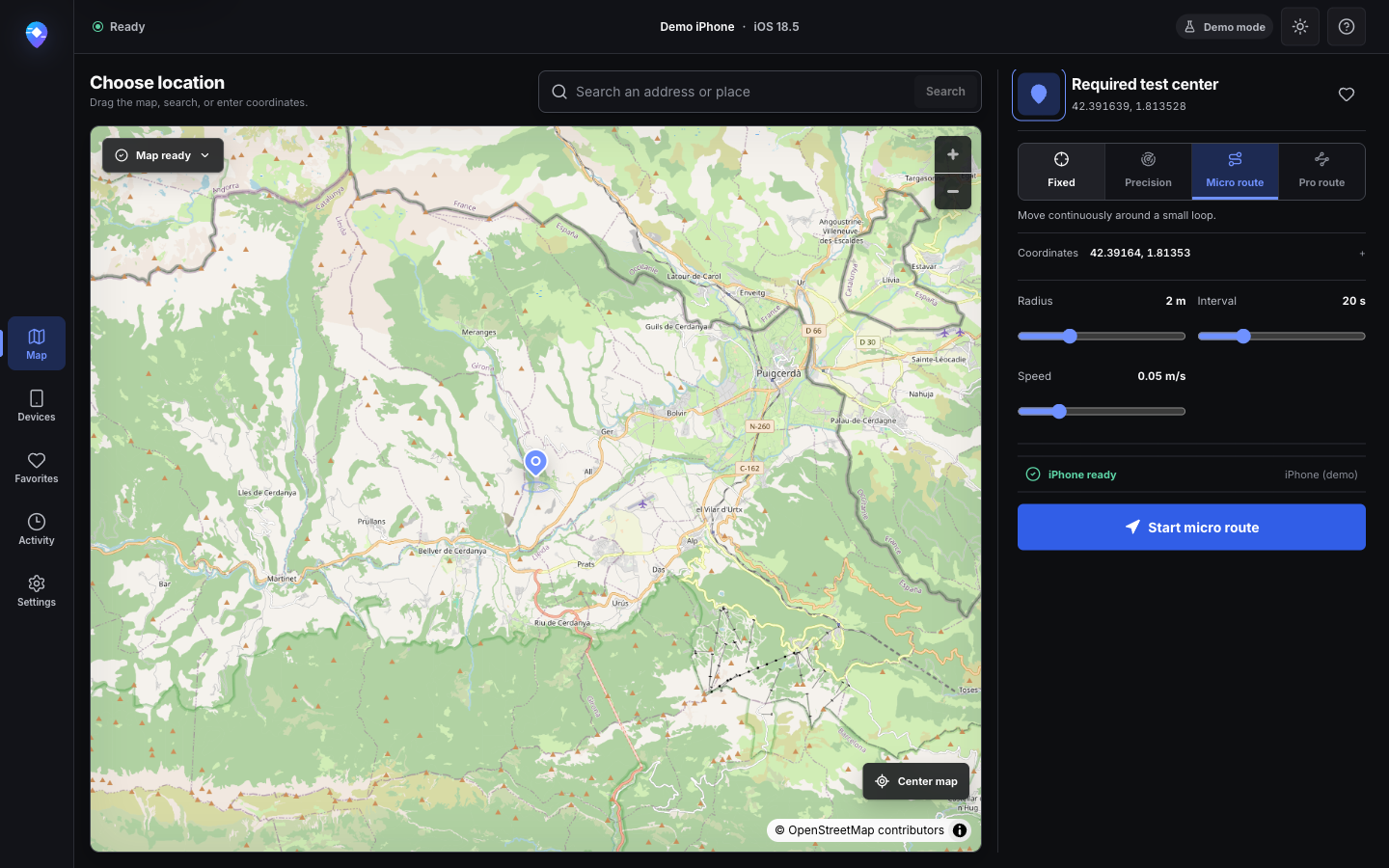
Micro Route creates continuous movement around a small loop. Pro Route builds multi-stop walking, cycling, or driving paths that follow mapped streets when the routing provider succeeds.
Privacy
PinShift has no account system, proprietary location backend, advertising tracker, or default telemetry. Local data controls remain visible and understandable.
Favorites, recent locations, settings, and redacted activity remain on your Mac. Device identifiers and personal paths are masked in user-facing technical output.
Map tiles, search, reverse geocoding, street routing, and missing developer-support files may contact the disclosed providers when you use those features. Manual coordinates remain available when map services are offline.
Read the full privacy explanationDevice requirements
PinShift works within Apple's normal trust and developer-access model. It will not bypass passcodes, Trust, Developer Mode, Activation Lock, MDM, or other Apple restrictions.
| Computer | A Mac matching an architecture marked available in the qualified release panel. Apple Silicon and Intel builds are verified separately. |
|---|---|
| iPhone | An unlocked iPhone that you own or are explicitly authorized to test. |
| Connection | A reliable USB cable and an accepted Trust prompt. |
| Developer access | Developer Mode may be required by iOS and must be enabled on the device when prompted. |
PinShift cannot verify that Find My changed successfully. Apple services can cache or interpret location separately from the developer-service command.
Product tour
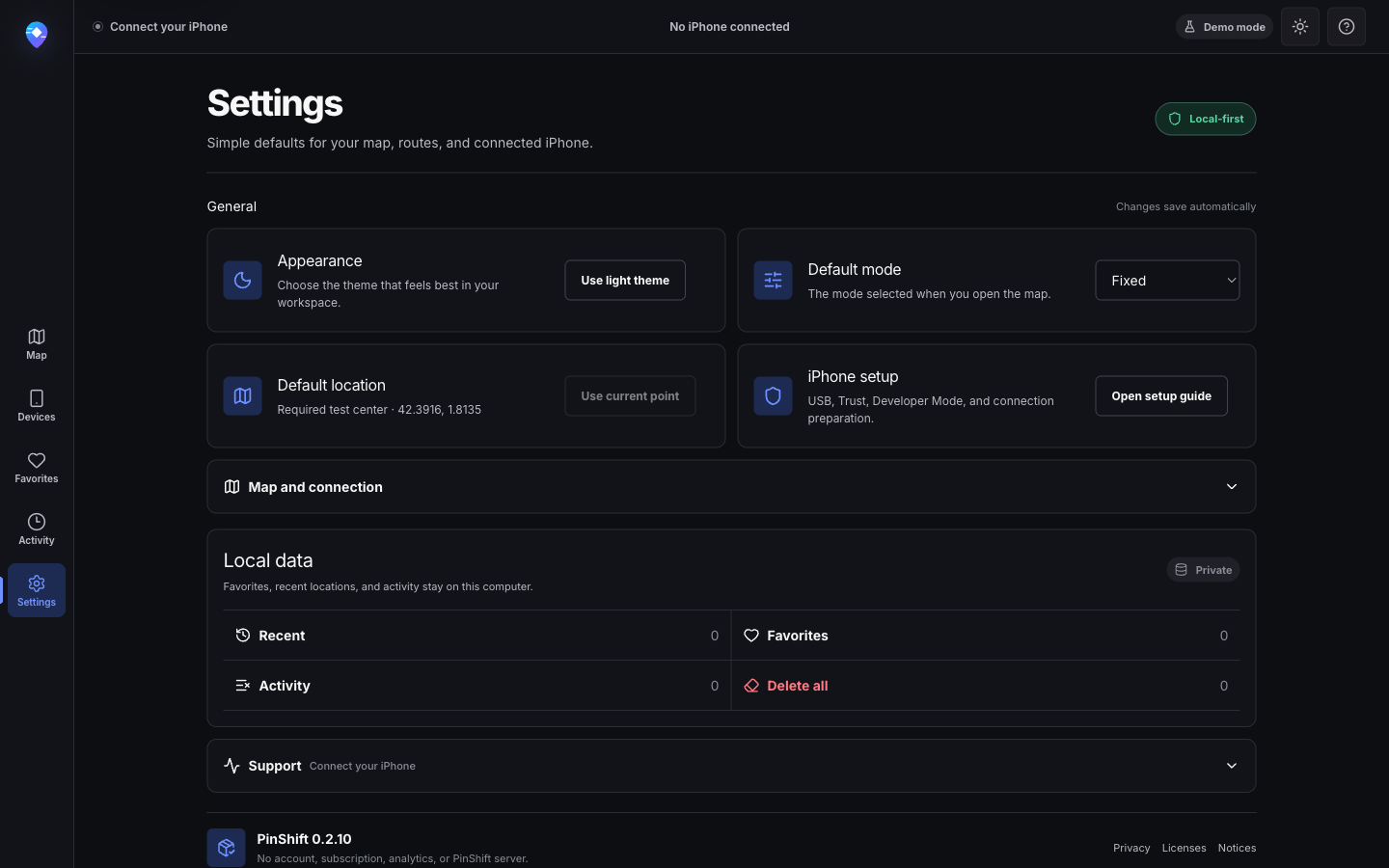
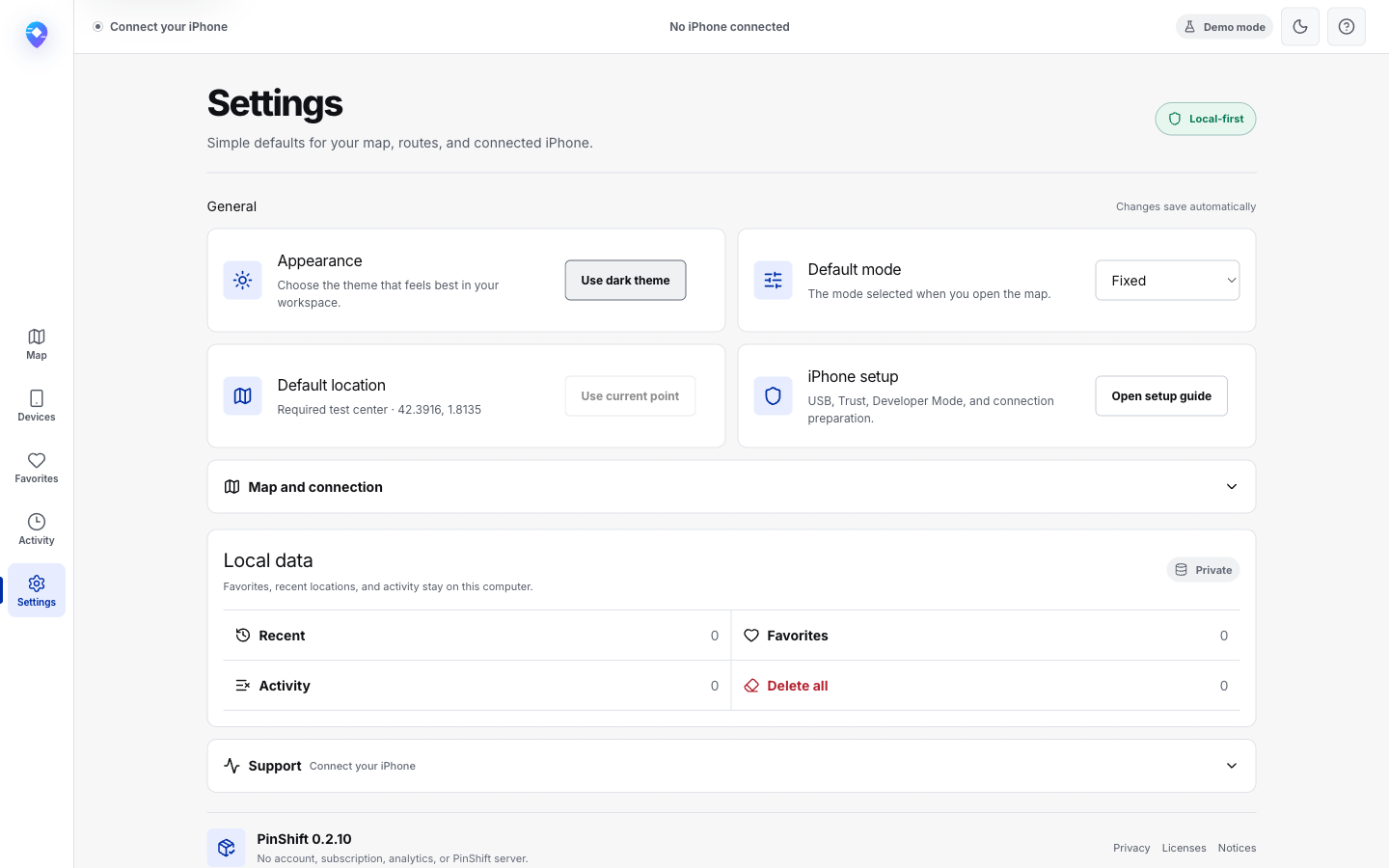
Clean captures from PinShift's explicit demo environment show the map, active restore state, route builder, settings, and both appearance modes without personal device data.
Download
The release feed publishes architecture, size, compatibility, SHA-256, signing, notarization, and release notes. Any architecture that does not pass every qualification gate remains unavailable.
Release qualification in progress
We will enable downloads only after the DMG passes Developer ID signing, notarization, Gatekeeper, and clean-install checks.
M-series Macs · Not available
Intel-based Macs · Not available
The site never falls back to a local path, private asset, unsigned build, or unverified URL.
FAQ
The short version: use an authorized iPhone, expect USB and Developer Mode requirements, and restore the real location when the test is over.
iOS location simulation uses Apple developer services to present test coordinates to apps on an authorized device. It is useful for development, QA, regional reviews, geofencing tests, product demos, and route testing. It does not modify the iPhone's GPS hardware.
Read the technical overviewConnect your own or authorized iPhone by USB, unlock it, accept Trust, enable Developer Mode if iOS requires it, choose a coordinate in PinShift, and start a simulation. Keep the device connected while testing, then use Stop and restore real location before disconnecting.
Follow the setup guideIt can. PinShift relies on Apple developer-location services and does not bypass iOS requirements. On supported iOS versions, the device may require Developer Mode, a restart, and on-device confirmation before those services are available.
PinShift has no account system, proprietary location backend, analytics, or telemetry by default. Favorites, recents, and redacted activity stay on your Mac. Map tiles, search, reverse geocoding, street routing, and missing developer-support files can contact the disclosed third-party providers when you use those features.
Review the privacy detailsUse the always-available Stop and restore real location action before unplugging the iPhone. If a clear attempt fails, PinShift deliberately keeps the interface in a potentially-active state and leaves the restore action available so you can retry after reconnecting or unlocking the device.
Restore troubleshootingPinShift uses a version-aware bridge for modern iOS developer services, including the iOS 17-and-later workflow used by iOS 18. Apple can change device services between releases, so compatibility is validated per PinShift build and is never guaranteed for every device or point release.
Check current compatibility notesThe USB connection lets the Mac discover the authorized iPhone and communicate with Apple's local developer services. PinShift does not use an Apple ID, cloud account, remote agent, or hidden background persistence to control the device.
Fixed holds one coordinate until you restore the real location. Micro Route moves continuously around a small configurable loop, while Pro Route follows a calculated multi-stop street route with walking, cycling, driving, pace, stop, and dwell controls.
Open source & licensing
The Tauri and frontend code is MIT-licensed. The packaged Python bridge and pymobiledevice3 distribution are GPL-3.0-or-later, with corresponding source and notices included alongside an installer.
The architecture, security model, bridge contract, tests, third-party notices, and packaging recipe are documented for review. Public source access will be linked only after the repository is intentionally published.
Advanced product support and team workflows can be explored later. No price, entitlement, or paywall is being claimed today.
Sponsorship, newsletter, and early-access options are reserved without tracking forms or fabricated availability.
Changelog
Ready when the release is
Read the setup guide now. Download links will activate automatically only when a qualified public Mac release exists.